
Technology keeps changing how we work, learn, and run businesses, and 2026 has brought a fresh wave of smart tools that genuinely make daily tasks easier. Whether you’re a student juggling assignments, a professional managing deadlines, or a business owner trying to do more with less time, there’s likely a tool out there built specifically for your kind of workload.
This guide walks through the most useful smart tools available right now, broken down by category, along with real examples, honest pros and cons, and answers to common questions.
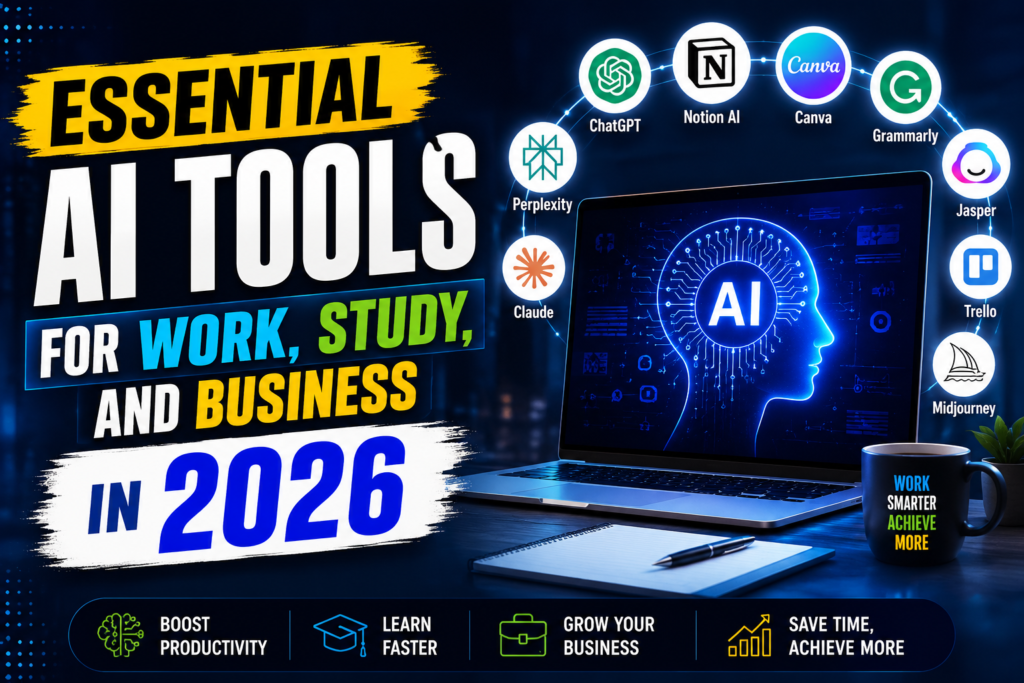
Artificial intelligence has become an essential part of everyday life, helping people work faster, learn more efficiently, and grow their businesses. From writing reports and analyzing data to creating presentations, editing videos, designing graphics, and automating repetitive tasks, AI tools are transforming how individuals and organizations get things done.
In 2026, the best AI tools offer much more than simple chatbots. They provide advanced features for content creation, research, coding, customer support, project management, marketing, and team collaboration. Students can use AI to summarize research papers, organize study materials, and improve academic writing. Professionals can automate workflows, generate reports, and boost productivity, while businesses can enhance customer service, streamline operations, and make data-driven decisions.
With hundreds of AI platforms available, choosing the right one can be challenging. This guide highlights the most essential AI tools for work, study, and business in 2026, comparing their key features, strengths, and ideal use cases so you can find the solutions that best fit your needs and improve your productivity.
- Check now: Best Free AI Tools for Students 2026
Why These Tools Matter More Than Ever
A few years ago, most of these tools felt like nice extras. Now, they’ve become part of how modern work actually gets done. Writing assistants help polish emails in seconds. Scheduling tools handle the back-and-forth of finding meeting times. Research assistants summarize long documents so you don’t have to read every page yourself.
The shift isn’t just about saving time — it’s about freeing up mental energy for the parts of your work that actually need your judgment and creativity.
Essential AI Tools for Work, Study, and Business in 2026:-
Best Tools for Work
1. Writing and Communication Assistants
If your job involves writing emails, reports, or documentation, a writing assistant can save you hours every week. These tools help with grammar, tone, clarity, and even restructuring clunky sentences.
Writing and communication assistants use AI to help users create, edit, and improve written content quickly and accurately. These tools can generate emails, blog posts, reports, essays, social media captions, marketing copy, and professional documents while also correcting grammar, spelling, punctuation, and writing style. Many platforms offer features such as tone adjustment, paraphrasing, summarization, translation, and content expansion, making them useful for students, professionals, marketers, and business teams.

Modern writing assistants also support brainstorming ideas, drafting presentations, creating meeting notes, and responding to customer inquiries. Some integrate directly with word processors, email clients, messaging platforms, and web browsers, allowing users to write more efficiently without switching between applications. Businesses use these tools to maintain consistent brand messaging, while students rely on them to improve academic writing and research organization.
Example: A marketing manager drafting a client proposal can use a writing assistant to tighten up vague language, catch typos, and adjust the tone to sound more professional, all before hitting send.
Pros:
- Speeds up everyday writing tasks
- Helps maintain a consistent tone across team communication
- Useful for non-native English speakers polishing their writing
Cons:
- Can sometimes flatten a writer’s natural voice if overused
- Not always great with highly technical or industry-specific language
- Requires a final human review for sensitive or high-stakes communication
2. Meeting and Scheduling Tools
Coordinating meetings across time zones or busy calendars used to be a headache. Smart scheduling tools now handle this automatically by finding overlapping availability and sending invites without the usual back-and-forth emails.
Example: A remote team spread across three countries uses a scheduling tool to automatically find a meeting slot that works for everyone, instead of spending a day exchanging emails.
Pros:
- Cuts down on scheduling back-and-forth significantly
- Reduces missed meetings through smart reminders
- Syncs well with most calendar apps
Cons:
- Occasional syncing errors with older calendar systems
- Some tools require a paid tier for full functionality
- Can feel impersonal for client-facing scheduling
3. Meeting Note-Takers and Transcription Tools
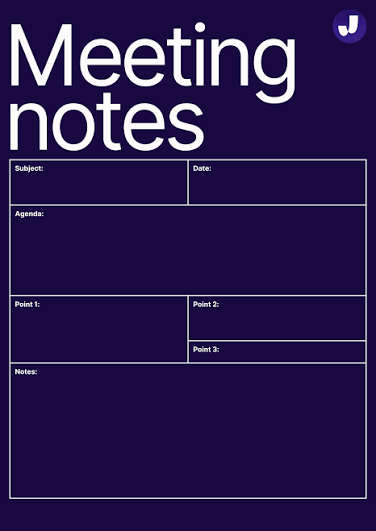
These tools join your calls, transcribe the conversation, and often generate a summary with action items afterward.
Example: A project manager running a weekly stand-up uses a transcription tool to automatically log who’s responsible for what, so nothing gets lost after the call ends.
Pros:
- Frees you up to actually participate in the conversation instead of typing notes
- Creates a searchable record of past meetings
- Great for teams with members who missed the live call
Cons:
- Privacy concerns in sensitive meetings (always check company policy first)
- Occasional transcription errors, especially with accents or crosstalk
- Extra app running in the background of every call
4. Task and Project Management Tools
Modern project management platforms now include smart features like automatic task prioritization, deadline predictions, and workload balancing across team members.
Example: A small design agency uses a project management tool that flags when a team member is overloaded and suggests redistributing tasks before deadlines slip.
Pros:
- Better visibility into team workload
- Helps catch bottlenecks before they become real problems
- Useful reporting for client updates
Cons:
- Learning curve for teams new to structured project tools
- Can become cluttered if not maintained regularly
- Smart suggestions aren’t always accurate for niche workflows
Best Tools for Study
5. Research and Summarization Tools
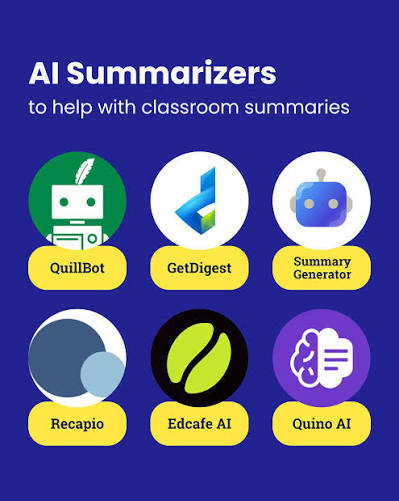
Students and researchers often deal with long academic papers, articles, or textbooks. Summarization tools condense this material into digestible key points.
Research and summarization tools help users find reliable information, analyze documents, and condense lengthy content into easy-to-understand summaries. They are especially valuable for students, researchers, professionals, and business teams who need to review academic papers, reports, articles, meeting notes, or industry publications quickly. Instead of reading hundreds of pages, users can generate concise summaries, identify key findings, extract important citations, and compare multiple sources in minutes.
Many modern research tools also answer questions based on uploaded documents, highlight important sections, organize references, and provide insights from trusted sources. Some integrate with academic databases, cloud storage, and productivity platforms, making research workflows faster and more efficient. These tools reduce the time spent on manual reading while improving comprehension and helping users make informed decisions.
Example: A university student researching a term paper uses a summarization tool to quickly go through ten academic articles and identify which ones are actually relevant before reading them in full.
Pros:
- Saves significant time during the research phase
- Helps identify which sources are worth a deeper read
- Useful for reviewing lecture notes or textbook chapters
Cons:
- Summaries can miss nuance in complex arguments
- Shouldn’t replace actually reading primary sources for serious academic work
- Risk of over-relying on summaries instead of building genuine understanding
6. Flashcard and Study Planning Apps
These apps help organize study material into flashcards and build personalized revision schedules based on what you’re struggling with.
Check now: Tools- Anki, Brainscape, Noji

Example: A student preparing for board exams uses a flashcard app that automatically increases the frequency of cards they keep getting wrong, so weak areas get more attention.
Pros:
- Personalized revision that adapts to your progress
- Great for memorization-heavy subjects
- Often free or low-cost for students
Cons:
- Less useful for subjects requiring deep conceptual understanding
- Can encourage passive learning if used without active recall practice
- Requires consistent daily use to see real benefit
7. Language Learning Tools
Language apps have gotten noticeably better at adjusting lessons based on your pace, mistakes, and even pronunciation.
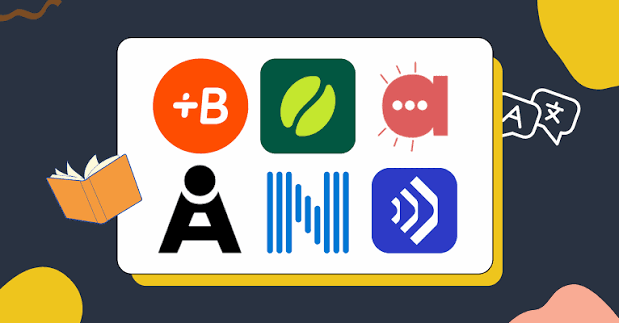
Example: Someone learning Spanish before a work trip uses a language app that adjusts lesson difficulty in real time, focusing more on conversational phrases relevant to travel and business.
Pros:
- Personalized pacing keeps learners from getting bored or overwhelmed
- Speech recognition helps with pronunciation practice
- Flexible enough to fit into short daily sessions
Cons:
- Doesn’t fully replace real conversation practice
- Progress can plateau without supplementing with real-world use
- Some premium features are locked behind subscriptions
Best Tools for Business
8. Customer Support Chat Tools
Many businesses now use smart chat tools to handle common customer questions instantly, escalating more complex issues to a human agent when needed.
Customer support chat tools use AI to provide fast, accurate, and around-the-clock assistance to customers through websites, mobile apps, and messaging platforms. They can answer frequently asked questions, guide users through troubleshooting steps, track orders, recommend products, and resolve common issues without requiring a human agent. By automating routine inquiries, these tools reduce response times, improve customer satisfaction, and allow support teams to focus on more complex requests.
Modern customer support platforms also offer multilingual conversations, personalized responses, sentiment analysis, ticket creation, live agent handoff, and integration with CRM, help desk, and e-commerce systems. Many businesses use them to handle high volumes of customer interactions while maintaining consistent service quality. AI-powered chat tools also generate conversation summaries and provide analytics that help organizations improve customer experiences and optimize support operations.
Check now: Tools-10 best Customer Support Chat Tools.
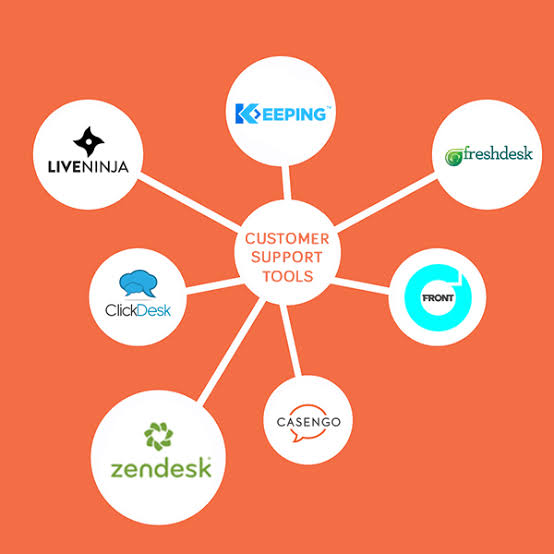
Example: An online store uses a chat tool to instantly answer questions about shipping times and return policies, freeing up the support team to handle more complicated cases like damaged orders.
Pros:
- Provides instant responses outside business hours
- Reduces repetitive workload for support staff
- Improves customer satisfaction for simple queries
Cons:
- Can frustrate customers with complex issues if escalation isn’t smooth
- Requires regular updates to stay accurate about policies and products
- Doesn’t fully replace the need for a human support team
9. Data Analysis and Reporting Tools
Business owners no longer need a dedicated analyst to make sense of sales data, customer trends, or website traffic. Many tools now generate plain-language summaries from raw numbers.
Example: A small e-commerce business uses a data analysis tool to spot that sales dip every Tuesday, prompting them to schedule promotions on that day instead.
Pros:
- Makes data accessible to non-technical business owners
- Speeds up decision-making with clear visual reports
- Helps identify patterns that might otherwise go unnoticed
Cons:
- Can oversimplify complex data relationships
- Accuracy depends heavily on clean, well-organized input data
- Some tools come with a steep pricing tier for advanced features
10. Content Creation and Design Tools
From social media graphics to marketing copy, design and content tools have made it possible for small teams to produce professional-looking material without a full creative department.
Example: A solo entrepreneur running an online store uses a design tool to create consistent, branded social media posts in a fraction of the time it would take to design them manually.
Pros:
- Cuts down design costs for small businesses
- Templates make it easy to maintain consistent branding
- Speeds up content production for social media and marketing
Cons:
- Can result in generic-looking designs if templates aren’t customized
- Doesn’t replace the value of a skilled designer for major branding work
- Some advanced features require a learning curve
11. Video Editing and Content Tools
Video content has become a major part of marketing and communication, and modern editing tools have made this far more approachable for beginners.
Example: A business owner recording product demo videos uses an editing tool that automatically removes filler words and awkward pauses, cutting editing time from hours to minutes.
Pros:
- Massively reduces editing time for beginners
- Auto-captioning improves accessibility and engagement
- Templates help maintain a consistent look across videos
Cons:
- Automated edits sometimes miss context, requiring manual fixes
- Free versions often come with watermarks or limited exports
- Learning the more advanced features still takes practice
How to Choose the Right Tools for Your Needs
With so many options available, it helps to narrow things down based on a few practical questions:
- What’s actually eating up your time right now? Start with the task that feels most repetitive or draining.
- Does the tool integrate with what you already use? A tool that doesn’t fit your existing workflow will likely go unused.
- What’s your budget? Many tools offer free tiers that are genuinely useful for individuals or small teams, with paid plans reserved for advanced features.
- How steep is the learning curve? A powerful tool that takes weeks to learn isn’t always worth it if a simpler option gets the job done just as well.
- Is your data handled responsibly? Especially for business tools, check the privacy policy before uploading sensitive company or customer information.
Common Mistakes People Make With These Tools
Relying on them completely without review. These tools are assistants, not replacements for your own judgment. Always review outputs before sending, publishing, or acting on them.
Using too many tools at once. It’s tempting to try every new tool that comes out, but juggling ten different apps often creates more confusion than efficiency. Stick to a handful that genuinely solve your biggest pain points.
Ignoring the learning curve. Some tools need a week or two of regular use before their real value becomes clear. Give new tools a fair trial period before deciding they’re not worth it.
Skipping the free trial. Most paid tools offer a free trial or freemium tier. Test before committing to an annual plan.
Frequently Asked Questions
Do I need to pay for these tools, or are free versions good enough?
It depends on your needs. Many free versions are genuinely useful for individuals or light use, but businesses handling larger workloads often find the paid tiers worth the investment due to added features and higher usage limits.
Are these tools difficult to learn?
Most modern tools are designed with beginners in mind, with simple interfaces and guided onboarding. A few advanced tools, particularly in data analysis or video editing, do take more time to fully master.
Can these tools replace human employees?
Not really. They’re best used to handle repetitive or time-consuming tasks, freeing up people to focus on work that requires judgment, creativity, and relationship-building — things these tools still can’t fully replicate.
Which tool should a student start with first?
If you’re a student, starting with a summarization tool for research and a flashcard app for revision usually gives the most noticeable improvement in study efficiency.
Are these tools safe to use with sensitive business data?
It varies by tool, so it’s worth checking the privacy policy before uploading anything sensitive. Reputable tools are usually transparent about how they store and use your data.
How do I know if a tool is actually worth paying for?
Test the free version first. If it saves you noticeable time or improves your output quality within the first few uses, it’s likely worth upgrading to a paid plan once you outgrow the free limits.
Will these tools become outdated quickly?
The space moves fast, so it’s normal for better tools to emerge over time. That said, the core categories covered here — writing, scheduling, research, design, data, and video — are likely to stay relevant well beyond 2026, even as the specific tools evolve.
Conclsion
The right set of tools can genuinely change how much you get done in a day, whether you’re a student trying to study smarter, a professional managing a packed schedule, or a business owner wearing five different hats. The key isn’t collecting every tool available — it’s finding the handful that actually solve your biggest time drains and sticking with them long enough to see real results.
Start small, test what fits your workflow, and build from there. The goal is always to make your work easier, not more complicated.

