
Quick Summary: Who Should Use It
ChatGPT has evolved into one of the most versatile AI assistants in 2026. Whether you are a student, freelancer, creator, or business professional, ChatGPT can help you save time, boost productivity, and produce high-quality work with minimal effort.
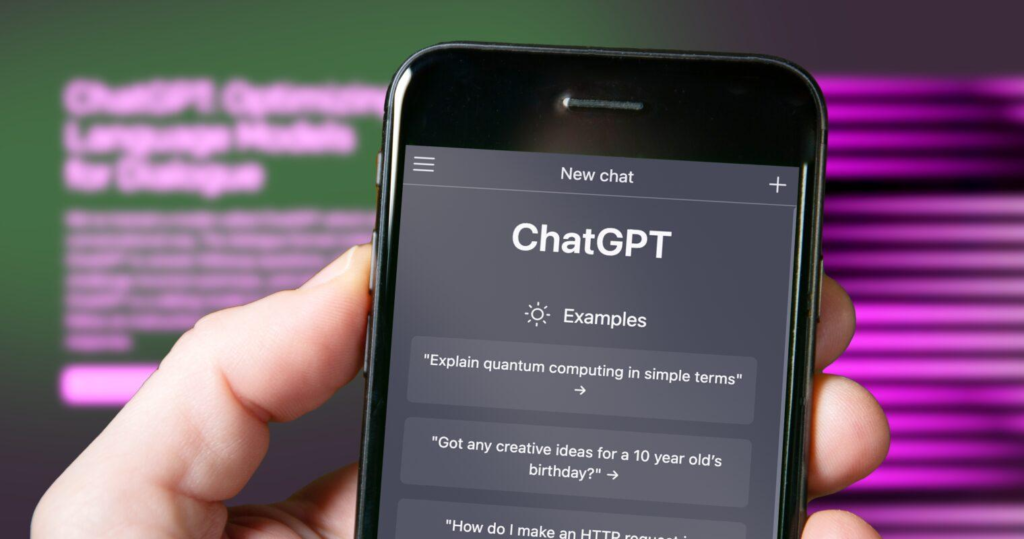
ChatGPT Review 2026 ChatGPT is ideal for a wide range of users, from students and professionals to content creators and businesses. Students can use it to get help with research, summaries, explanations, and learning new topics in simple terms. Professionals can rely on it for drafting emails, reports, or brainstorming ideas quickly. Content creators, writers, and marketers can benefit from its ability to generate creative content, social media posts, and SEO-friendly articles. Businesses of all sizes can use ChatGPT for customer support automation, idea generation, or improving internal workflows. Essentially, anyone looking to save time, enhance productivity, or access instant information can find value in using ChatGPT.
Key Standout Feature: Its ability to understand natural language and adapt responses for various contexts.
One-Line Verdict: ChatGPT is a reliable, intelligent, and fast AI tool that is ideal for anyone who wants an assistant capable of writing, research, coding, and creative tasks.
Rating: 4.7 / 5
Subscores:
- Features: 5 / 5
- Ease of Use: 4.8 / 5
- Support: 4.5 / 5
- Pricing: 4.6 / 5
Features Breakdown
ChatGPT’s features make it much more than a chatbot. Here’s a detailed look at what it offers in 2026:
1. Advanced Conversational AI
ChatGPT can carry out natural, human-like conversations. Unlike basic chatbots, it understands context, remembers previous interactions (within the session), and adapts its tone.
Use Case:
- Draft professional emails, casual social media messages, or even friendly replies.
- Example: A user can ask, “Write a polite follow-up email for my client about the proposal,” and receive a professional, ready-to-send draft.
2. Content Generation
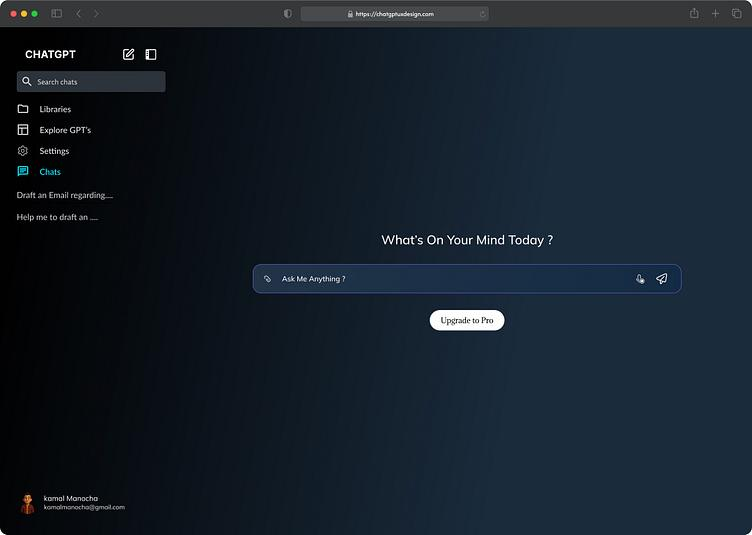
Content creation is one of ChatGPT’s strongest areas. From blog posts to scripts, summaries, or newsletters, it can produce coherent, human-like text in seconds.
Use Case:
- Freelancers can generate blog posts, SEO content, or product descriptions quickly.
- Example: A marketing freelancer can produce 500-word blog drafts in under a minute, then polish them with minor edits.
3. Coding Assistance
ChatGPT supports multiple programming languages and can help write, debug, and explain code snippets.
Use Case:
- Developers can generate Python scripts, troubleshoot JavaScript errors, or learn new programming concepts.
- Example: A student learning Python can ask ChatGPT, “Explain this for-loop in simple terms,” and get a clear, step-by-step explanation.
4. Research & Knowledge Retrieval
ChatGPT can quickly summarize complex topics, provide explanations, or answer detailed questions.
Use Case:
- Students or professionals can get quick summaries for reports, essays, or presentations.
- Example: “Summarize the latest AI trends in 2026” gives a concise and accurate overview, saving hours of research.
5. Multi-Modal Capabilities
The latest version supports text, images, and documents. Users can upload images or documents for analysis, making it useful for a variety of professional tasks.
Use Case:
- Businesses can analyze reports or generate captions for marketing visuals.
- Example: Upload a PDF financial report and ask ChatGPT to summarize key takeaways in simple language.
6. Custom Instructions & Personalization
ChatGPT allows users to set custom instructions, so responses match the desired tone and style.
Use Case:
- Content creators can maintain a consistent voice for blogs, scripts, or social media posts.
- Example: “Write in a friendly, conversational tone suitable for Gen Z audiences.”
Pros & Cons

Pros
- Highly versatile for writing, research, coding, and productivity.
- Fast and reliable with minimal downtime.
- Intuitive and beginner-friendly interface.
- Constantly updated with new features.
- Multi-modal support for text, images, and documents.
Cons
- Advanced features require a paid subscription.
- Responses may be generic if prompts are not precise.
- Offline usage is limited.
- AI output still needs human verification for critical tasks.
Pricing (2026 Update)
Free Plan
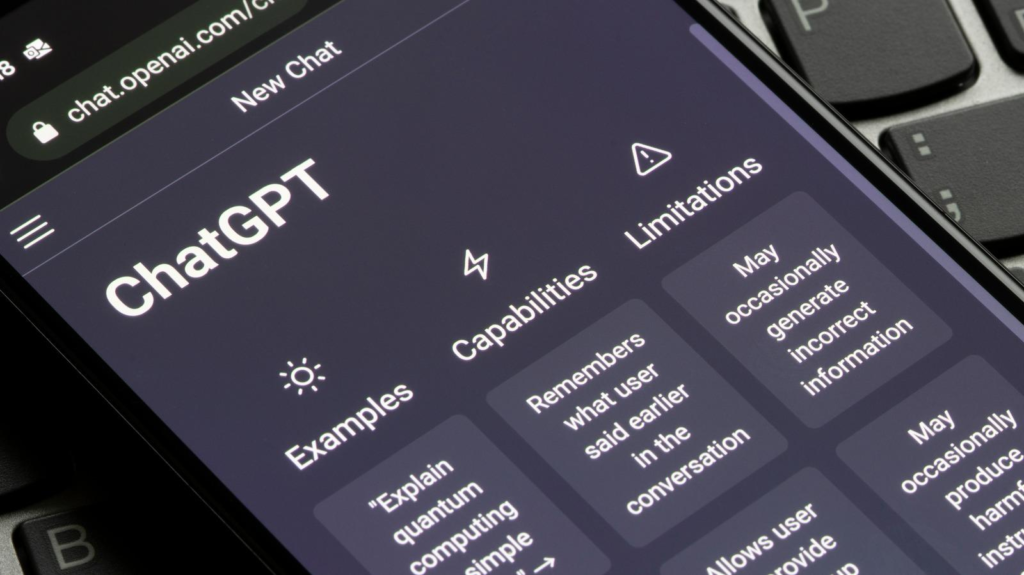
- Limited access to GPT-4 features.
- Suitable for basic content creation, brainstorming, and casual use.
Paid Plans
- ChatGPT Plus ($20/month)
- Priority access to GPT-4 features.
- Faster response times.
- Early access to new updates.
- Business/Enterprise Plan (Custom Pricing)
- API access for integration with other tools.
- Multi-user management.
- Collaboration features and analytics.
Value for Money: For freelancers and businesses who rely on content, research, and productivity, ChatGPT provides excellent value, making the subscription worth it.
Performance & User Experience
- Speed: Responses are generated almost instantly, even for complex queries.
- Interface: Clean, modern, and mobile-friendly.
- Reliability: Consistent uptime and minimal errors.
- Ease of Onboarding: Intuitive interface and guided prompts make it easy for new users.
- Accessibility: Works on desktop, mobile, and via browser-based apps.
Real Use Cases
Example 1 – Freelancers
Freelancers can save hours on content writing, research, and client communication. For instance:
- Blog and article generation.
- Social media post creation.
- Client proposal drafts.
Impact: Reduces workload, increases productivity, and allows freelancers to take on more clients.
Example 2 – Businesses / Creators
Businesses can automate repetitive tasks like:
- Customer support scripts.
- Marketing campaign content.
- Training manuals and documentation.
Impact: Saves employee time, improves consistency, and enhances productivity across teams.
Example 3 – Students & Researchers
- Quick summaries of research papers.
- Explaining complex concepts in simple terms.
- Generating essay outlines or study notes.
Impact: Makes learning faster, easier, and more effective.
Alternatives & Comparisons
- Jasper AI
- Strong in creative content generation.
- Less flexible for conversational tasks.
- ChatGPT wins in versatility and natural conversation.
- Copy.ai
- Focused on marketing copywriting.
- ChatGPT provides broader capabilities beyond marketing.
- Bard by Google
- Excellent for factual queries and research.
- Less customizable in tone and style compared to ChatGPT.
Verdict: While alternatives are strong in specific niches, ChatGPT’s all-in-one versatility makes it the preferred choice for most users in 2026.
Final Verdict
Recommendation:
[ChatGPT] is a highly recommended tool for freelancers, creators, students, and businesses looking for a versatile AI assistant. Its wide range of features, speed, and adaptability make it ideal for content creation, coding, research, and productivity.
Who Should Avoid It:
- Users who need fully offline solutions.
- Those seeking highly specialized tools outside ChatGPT’s scope.
FAQs
Is ChatGPT free?
Yes, it offers a free plan with limited access. For advanced features, you will need a paid subscription.
Is ChatGPT safe?
Yes, ChatGPT follows strict privacy and security protocols to protect user data.
What’s the best alternative to ChatGPT?
Jasper AI or Copy.ai are suitable alternatives depending on your content needs.
Is ChatGPT worth it in 2026?
Absolutely. It is one of the most versatile AI tools available for individuals, freelancers, and businesses.
Can ChatGPT replace a human writer?
It can assist and speed up writing tasks, but should complement human creativity, not fully replace it.
Does ChatGPT work on mobile?
Yes, it is fully mobile-compatible via apps and browsers.
Can ChatGPT code?
Yes, it supports multiple programming languages such as Python, JavaScript, Java, and C++. It can write scripts, debug code, and explain programming concepts clearly.
How fast is ChatGPT?
ChatGPT generates responses almost instantly, even for complex queries. Paid subscribers enjoy faster response times and priority access to new features.
Can ChatGPT analyze images and documents?
Yes. The 2026 multi-modal update allows ChatGPT to analyze images and documents, summarize content, and provide actionable insights. This is ideal for businesses, researchers, and content creators.
Who should avoid ChatGPT?
Users who require fully offline solutions or highly specialized AI tools outside ChatGPT’s capabilities may find alternatives more suitable.
What are some practical use cases for ChatGPT?
- Freelancers: Blog writing, client proposals, social media content.
- Businesses: Marketing copy, customer support automation, internal documentation.
- Students: Essay drafts, research summaries, and learning explanations.
Does ChatGPT have multi-user or enterprise features?
Yes. The Business/Enterprise plan includes multi-user management, API access, collaboration tools, and analytics for team productivity.
Conclusion:
In 2026, ChatGPT remains a leading AI assistant for anyone who values efficiency, versatility, and productivity. From generating content and coding to research and business support, it provides tools that save time and enhance results. Its user-friendly interface, multi-modal capabilities, and affordability make it a must-have for freelancers, students, creators, and businesses.